![podaris_logo_png.png]](https://support.podaris.com/hs-fs/hubfs/podaris_logo_png.png?height=50&name=podaris_logo_png.png)
Isochrones are a great way to understand the catchment of a network or to understand who can access locations within set travel times. They're a vital tool for understanding the impact of network changes on a community.

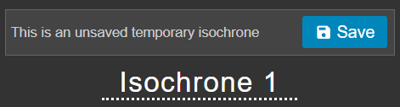
When you create a new isochrone, Podaris displays an unsaved temporary isochrone. That means that if you were to click off the isochrone tool (for example to change your tool to the Select tool to select a stop or to the Draw tool to draw new infrastructure), the unsaved analysis will be lost and the isochrone won't be displayed on screen anymore or available for you to return to.
To be able to return to an isochrone you have created in future, you need to save the isochrone by clicking on the Save button by the isochrone's name.
All saved isochrones will be displayed in a list under the "Saved Isochrones" header at the bottom of the isochrone tool properties.
In the case where you have saved an isochrone but you don't want to see it on screen at the present time, you need to turn it off in the Isochrone panel.
Clicking on the name of the currently active isochrone in the "Saved Isochrones" list will dismiss that isochrone from the map. Clicking once more will re-display the isochrone on your map.
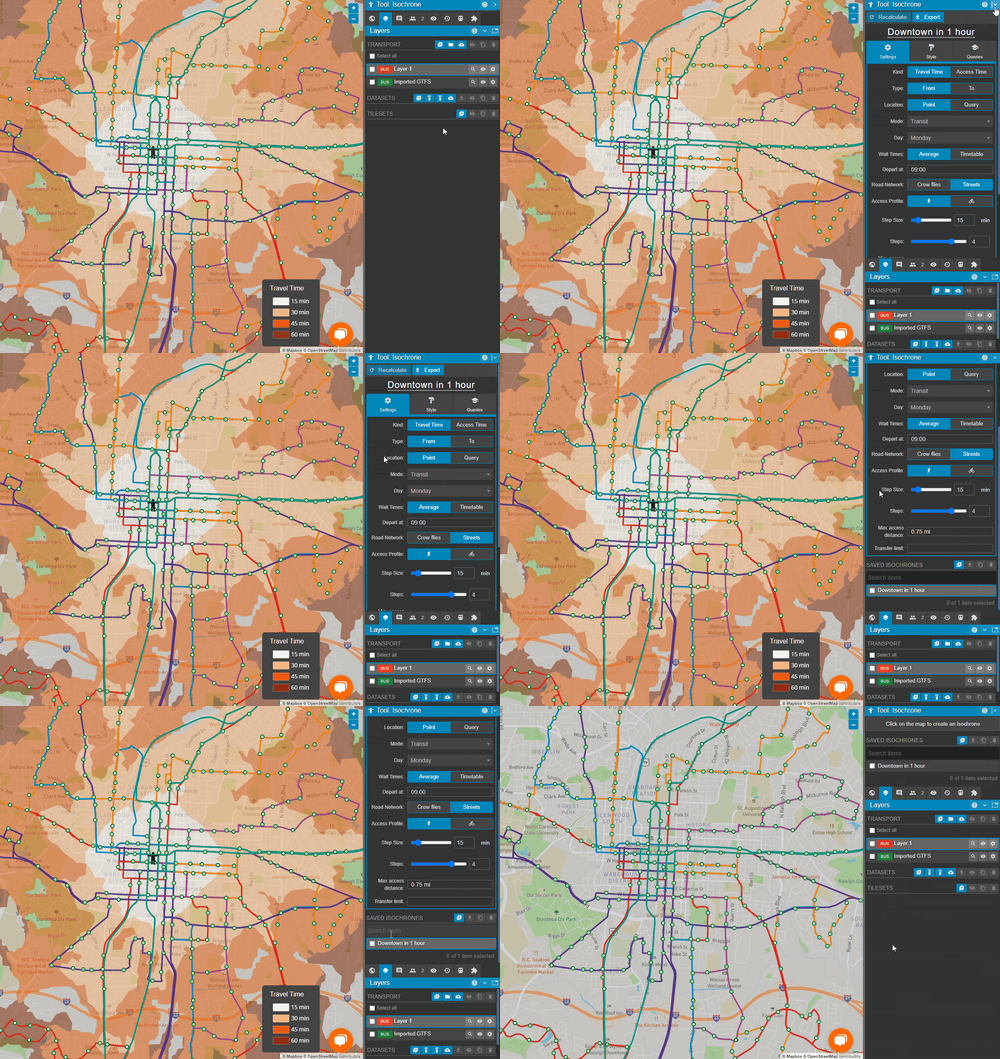
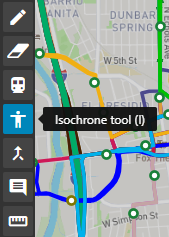
When working in a project, you can always get back to your "Saved Isochrones" list by clicking on the isochrone tool icon in the toolbar (located on the left of the screen). This will reopen the isochrone tool properties and the "Saved Isochrones" list.